Client Settings (UI)
All client UI changes are auto-saved to Settings.json.
For the raw schema, examples, and advanced fields, see Settings.json.
Use the UI for normal configuration. Edit Settings.json only when you need bulk changes, automation, or recovery from a broken UI state.
Recommended setup order
- Select input and output devices.
- Run microphone test and tune sensitivity.
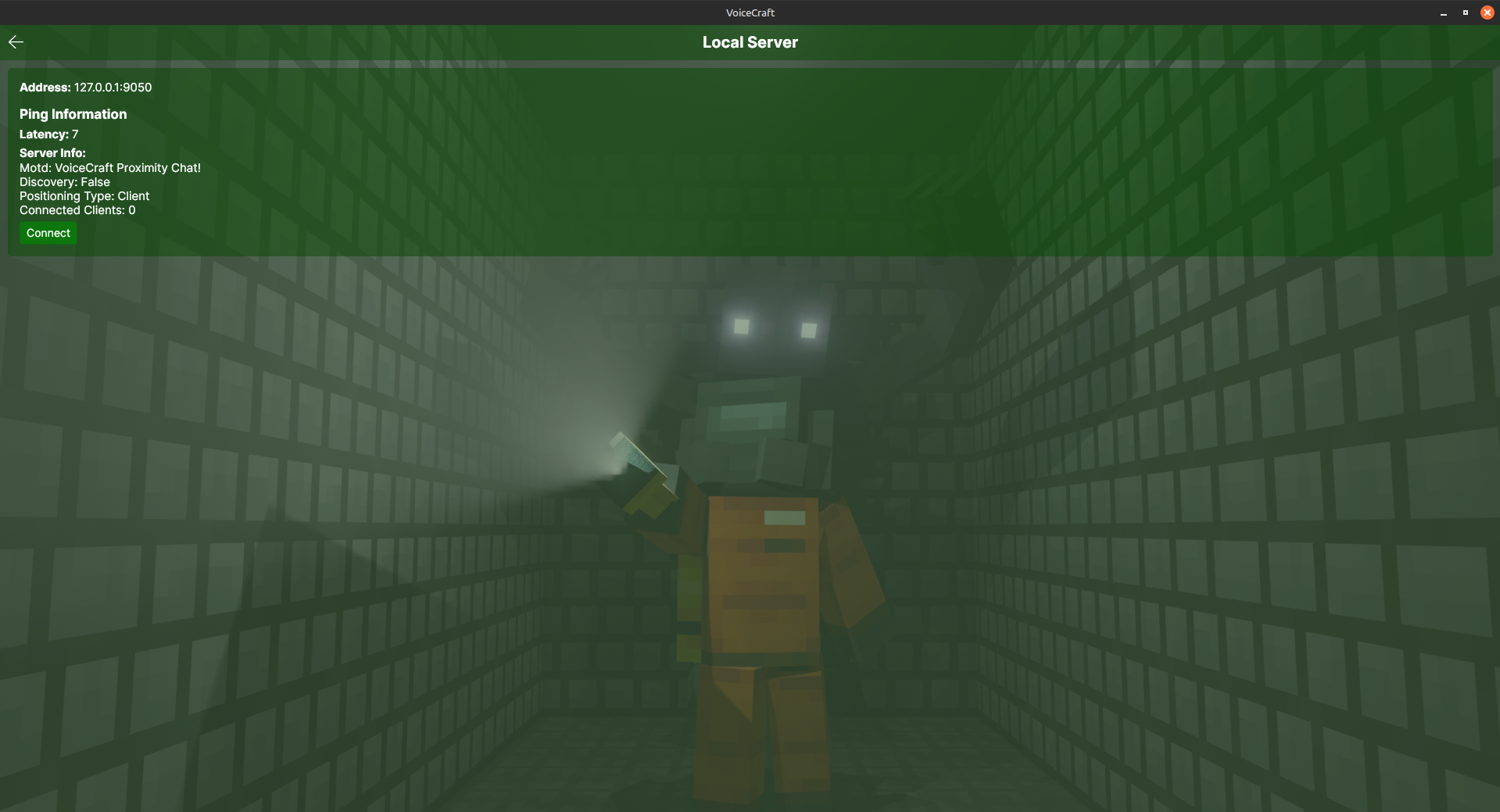
- Add the VoiceCraft server entry.
- Confirm
Positioning Typematches the server. - Set push-to-talk if the community requires it.
- Join Minecraft and complete bind flow.
General
Language: UI language / locale used by the client.Notification Dismiss: auto-hide delay for local notifications in milliseconds.Hide Server Addresses: hides saved IP/host entries in the UI.Disable Notifications: disables local toast notifications.
Use Hide Server Addresses for screenshots or public streams. It does not encrypt the saved server list on disk.
Appearance
Theme: selected visual theme.Background Image: selected built-in background image.
Input
Input Devices: capture device / microphone source.Input Capture Preset: capture profile used by the platform backend, default isVoiceCommunication.Input Volume: microphone gain in range0..2.Microphone Sensitivity: voice activity threshold in range0..1.Denoisers: available denoiser implementation.Automatic Gain Controllers: AGC implementation.Echo Cancelers: echo cancellation implementation.Push To Talk: only transmit while the configured hotkey is held.Push To Talk Cue: local audible cue when PTT engages / disengages.Microphone Test: local monitoring and activity visualization.
Good starting point:
- keep
Input Volumenear1 - raise sensitivity only if quiet speech is not detected
- enable push-to-talk in noisy rooms
- use microphone test before changing server-side settings
If other players hear constant background noise, lower input volume, increase the activation threshold, enable push-to-talk, or change the selected microphone device.
Output
Output Devices: playback device.Output Volume: playback gain in range0..2.Audio Clippers: output clipper / limiter implementation.Test Output: send a local test signal to the selected device.
If you can hear the test output but not other players, the playback device is probably fine. Check server connection, bind flow, and position updates next.
Network
Positioning Type: must matchVoiceCraftConfig.PositioningTypeon the server.McWss Listen Ip: local address used by the McWss-side bridge.McWss Host Port: local McWss port used for Bedrock websocket link.
Positioning Type is the most important client/server compatibility setting. In normal BDS and VoiceCraft.Java deployments, use the same server-side mode configured in ServerProperties.json.
McWss Listen Ip and McWss Host Port matter only for McWss-style local Bedrock setups. They do not replace the VoiceCraft server entry used for voice UDP traffic.
HotKeys
By default, VoiceCraft exposes bindings for:
MuteDeafen
Default desktop bindings are typically:
Mute:LeftControl + LeftShift + MDeafen:LeftControl + LeftShift + D
Exact hotkey values are stored in HotKeySettings.Bindings.
If hotkeys do not trigger, check for OS-level conflicts and whether the client window or desktop environment allows global hotkey capture.
Per-user controls
VoiceCraft also stores per-user local preferences:
- per-user volume multiplier
- per-user local mute state
These are stored in UserSettings.Users and are applied client-side.
Use per-user local mute or volume when only one player is too loud or distracting for you. Use server mute/deafen commands when staff need to enforce moderation for everyone.
Advanced
Trigger GC: manual garbage collection trigger.Crash: intentional crash path for diagnostics / logging verification.
Advanced controls are for diagnostics. Do not use Crash during normal play unless you are intentionally verifying crash reporting or log collection.
What to check when audio feels wrong
- Client input and output devices.
- Push-to-talk state.
- VoiceCraft server connection.
Positioning Type.- Minecraft bind flow.
- Player distance and world ID updates.